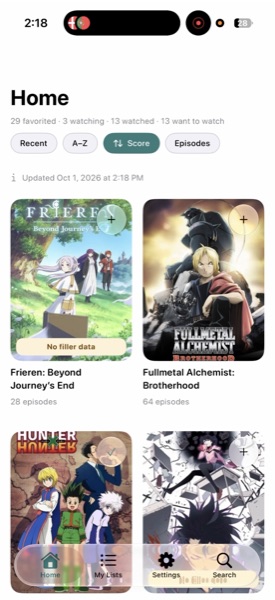
hurutungo
Screen recorder for iPhone

One tap to record. Nothing in the way.

Stele records your screen, then gets out of your way. Trim, share, done. Your recordings never leave your phone.

Coming soon to the App Store iOS 18 or later.
No subscription.

One tap

The record button is the whole home screen, right under your thumb.

Nothing in the way

A timer while you record. No overlays, no clutter, no extra steps.

Stays on your phone

Recordings are saved on your device. They go nowhere unless you share them.

How it works

Record. Trim. Share.

01

Tap the disc

One button, in reach of your thumb.
02

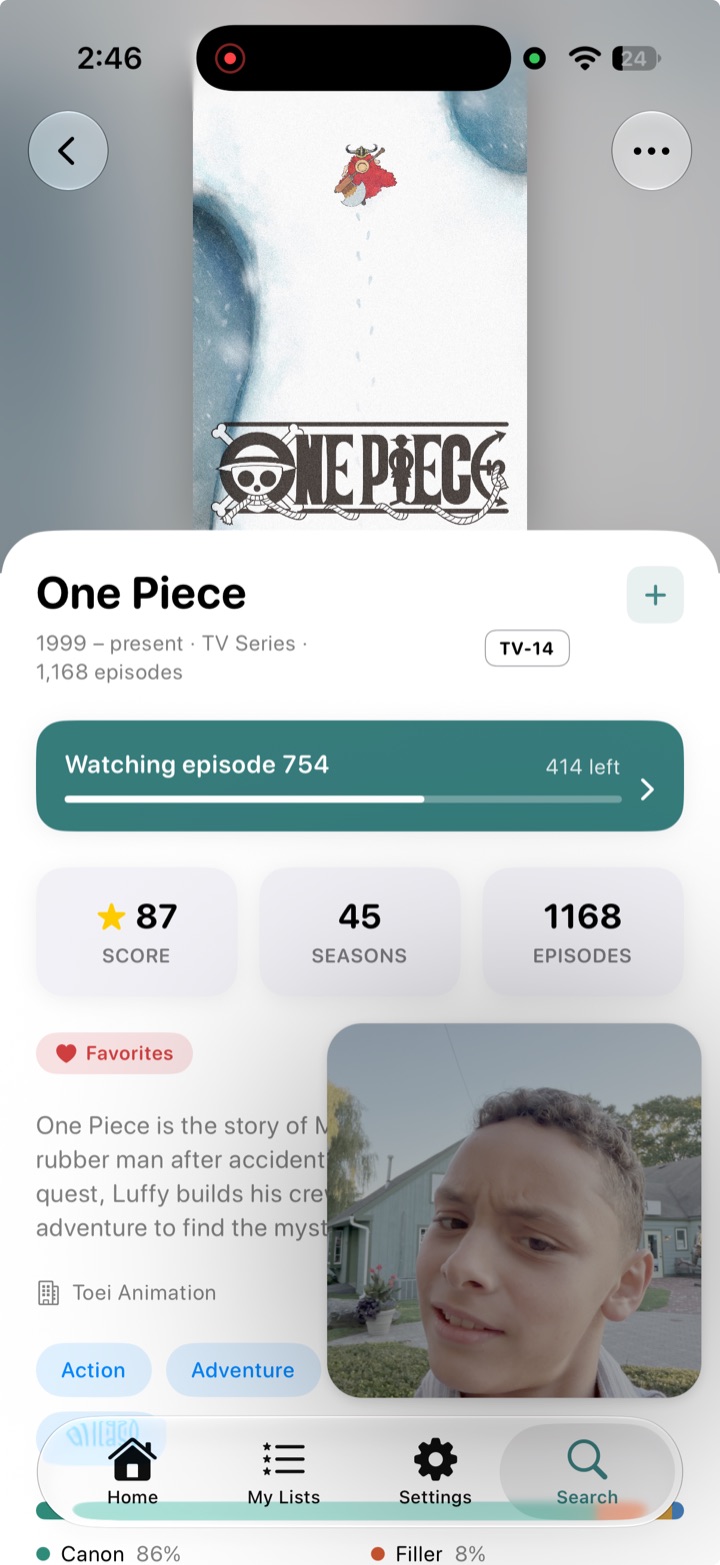
Use your phone as usual

Keep using your apps. Add a facecam if you want.

03

Trim and share

Cut the start and end, then send it where it needs to go.

Small, on purpose.

Facecam

Add a small camera bubble when you want to be in the frame.

App audio

Capture the sound from the app you are showing.

Trim and share

Cut the start and end, then share without leaving Stele.

Recovered recordings

If a recording is interrupted, what was captured is kept for you.

Live Activity

See the timer on the Lock Screen and in the Dynamic Island.

Light and dark

Limestone by day, basalt by night.

Privacy

Your recordings never leave your phone.

No uploads and no subscriptions. What you record stays on your device until you choose to share it. Read the privacy policy.

Record the next one in one tap.

Coming soon to the App Store